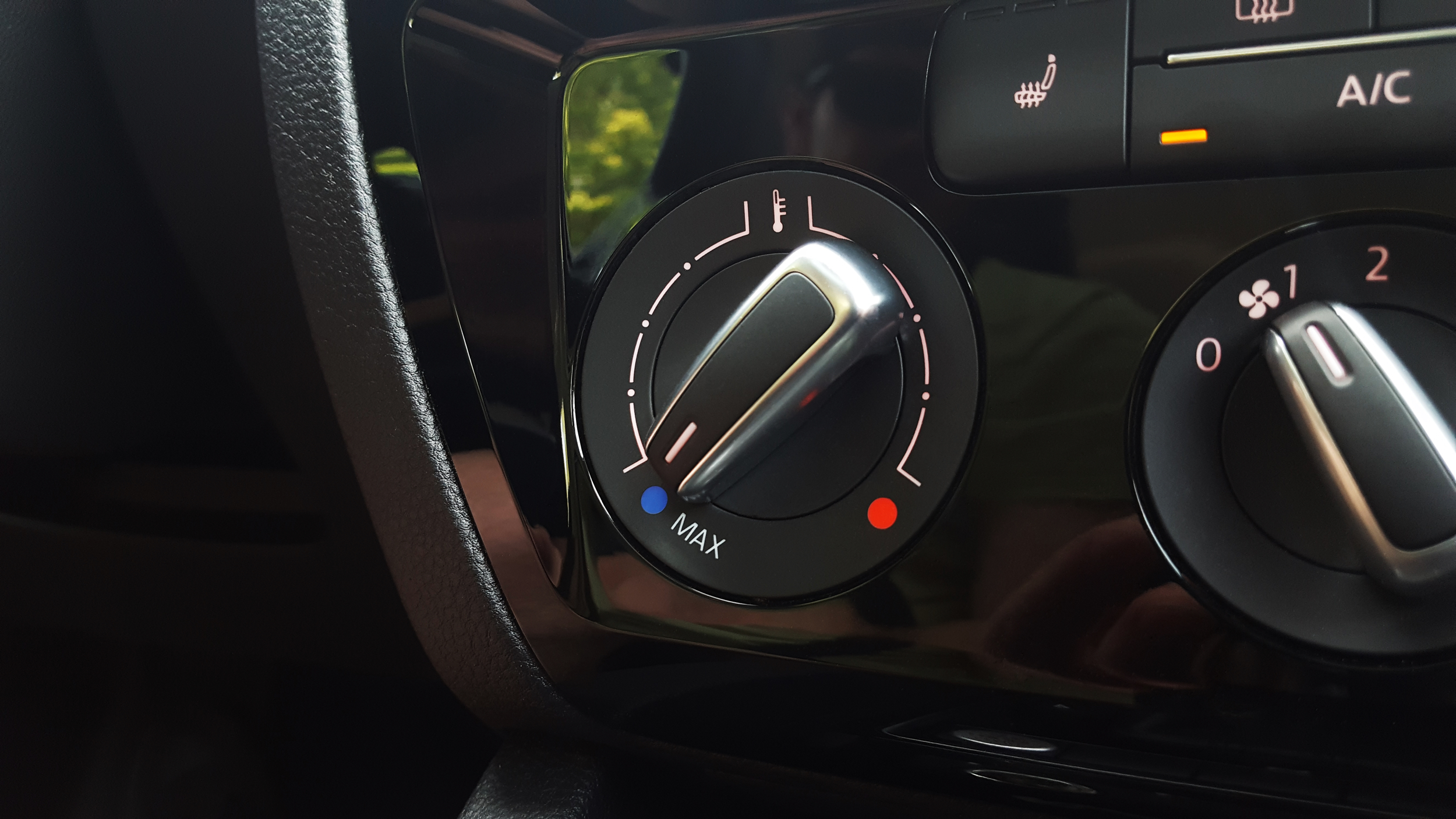
Depending on where your car was sold, it may or may not have the “Hot Climate” setting enabled in the Climatronic Unit. You can enable this yourself via VCDS.
- Open VCDS
- Go To Select Modules
- Under the “Installed Modules” window – select number 08 – Auto HVAC
- After the control loads – select Coding – 07
- Click the button for “Long Coding Helper”
- Press Tab or arrow down key until you see “Byte 12” selected
- Under the drop-down for “Bit 4-7” select “10 Temperature Adjustment: Cold (Hot Countires)”
- In the top-left corner of the window – select the “Exit” menu item
- Press the “Do It” button to save the new setting
- If all goes well – you should see a popup “Coding Accepted”